
The kick counter app that makes counting simple
From around 28 weeks, getting to know your baby's pattern of movements helps you notice quickly if anything changes. Prego makes it one tap.

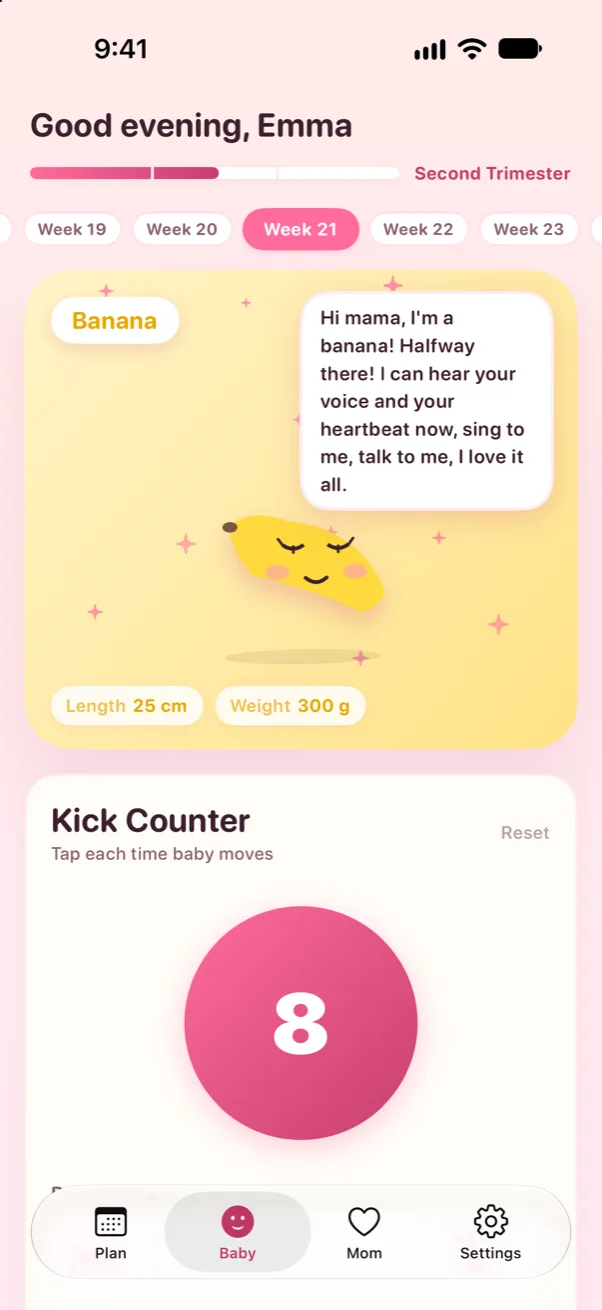
How it works
- 1
Pick a quiet time
Choose a time your baby is usually active, often after a meal or in the evening, and get comfortable on your left side.
- 2
Tap for every movement
Tap "Count a movement" for each kick, roll, swish or jab. Prego keeps today's count.
- 3
Know your baby's pattern
Look back over your recent days to learn what's normal for your baby, and notice quickly if anything changes.

- One big button you can tap without looking
- A running count for today
- Your recent days at a glance
- Works offline, and nothing leaves your iPhone
What parents say
“So cute and girly looking… simple, but also thorough, factual and helpful.”
“The best pregnancy app I've come across.”
Questions, answered
When should I start counting kicks?
Many providers suggest starting around 28 weeks, or earlier if you are at higher risk. Ask your doctor or midwife what they recommend for you.
What if my baby is moving less?
Contact your doctor, midwife or maternity unit straight away if your baby is moving less than usual or their pattern changes. Don't wait until the next day.
Is there a free kick counter I can try first?
Yes. Try our free online kick counter in your browser. The app adds a history, reminders and everything else for your pregnancy.

Get Prego for iPhone
Kick Counter, your baby's size by fruit, a checklist for every trimester and more, private on your iPhone.